
The first time I saw “bcc” in an email, I remember staring at it like it was a secret code. I was sending a group email, typing names into the “To” box, when someone said, “Put me in bcc.” I nodded like I understood but I definitely didn’t.
Was it rude? Was it sneaky? Was I about to mess something up? 😅 If you’ve ever paused while sending an email and wondered what bcc really means, you’re not alone. It’s one of those small email features that feels confusing at first but is actually super useful once you get it.
Quick Answer
BCC in email means “Blind Carbon Copy,” and it lets you send an email to people without other recipients seeing their email addresses.
What Does BCC Mean in Email?
BCC stands for Blind Carbon Copy.
In plain English, it means you can include someone in an email without anyone else knowing they received it. When you add an email address to the BCC field, that person gets the message, but their name and email stay hidden from other recipients.
People use BCC to:
- Protect privacy
- Avoid long reply all chains
- Send group emails without sharing everyone’s email address
- Keep things professional and clean
Short example sentence:
“I’ll bcc the manager so they’re informed, but the client won’t see it.”
Bold summary: BCC means sending a hidden copy of an email so other recipients can’t see who else received it.
Where Is BCC Commonly Used?
Unlike slang that lives in texts or comments, bcc is mainly used in email, especially in work, school, and formal communication.
You’ll commonly see or use BCC in:
- Work emails (HR, announcements, client updates)
- School emails (teachers emailing parents or students)
- Newsletters or bulk emails
- Professional communication
Tone:
- Mostly formal or neutral
- Sometimes informal when used between friends or small groups
You usually won’t see “bcc” used in casual texting, gaming chats, or social media comments. It belongs more to email culture than texting culture.
Realistic Conversation Examples (Lowercase, Natural Style)
Here are some realistic ways people talk about bcc in chats and emails:
- “can you bcc everyone so their emails stay private?”
- “i’ll bcc you on the email so you’re in the loop.”
- “make sure to use bcc when emailing the whole class.”
- “why did you bcc the boss on that email?”
- “just bcc me, no need to add me to the main thread.”
- “bcc is better so we don’t start a reply-all mess.”
- “i forgot to bcc and now everyone can see the list 😬”
- “hr always uses bcc for announcements.”
These examples show how natural and common the term is in everyday online communication.
When to Use BCC (and When Not to)
Knowing when to use bcc is just as important as knowing what it means.
✅ When to Use BCC
- Sending an email to many people who don’t know each other
- Sharing updates while protecting email privacy
- Avoiding reply all chaos
- Keeping someone informed quietly (like a manager)
❌ When NOT to Use BCC
- When transparency is important
- In sensitive conversations where secrecy feels wrong
- When recipients should know who else is involved
- For personal or emotional emails
Small Comparison Table
| Context | Example Phrase | Why It Works / Doesn’t |
|---|---|---|
| company announcement | “employees are bcc’d” | protects privacy |
| class email | “students in bcc” | avoids reply all |
| team discussion | “bcc team members” | ❌ lacks transparency |
| feedback email | “manager bcc’d secretly” | ❌ can feel sneaky |
BCC vs CC vs TO (Quick Understanding)
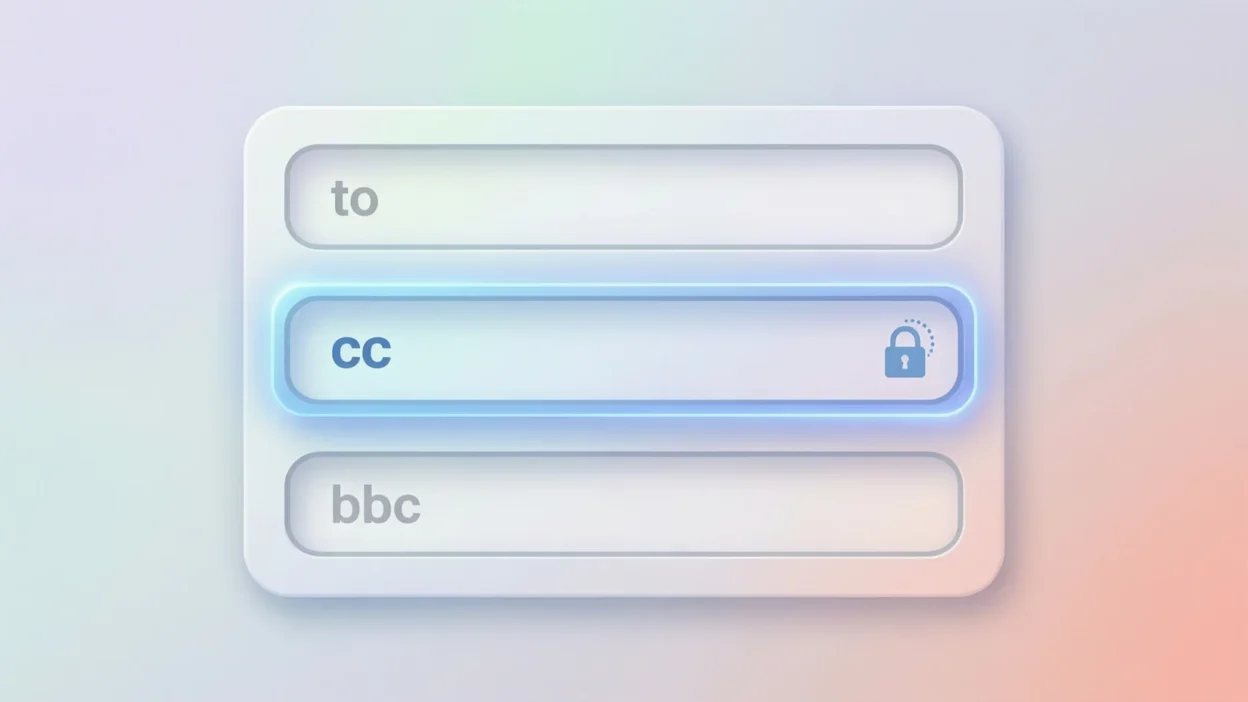
Many people confuse bcc, cc, and to. Here’s a simple breakdown:
- To: main recipient (action required)
- CC (Carbon Copy): visible copy for information
- BCC (Blind Carbon Copy): hidden copy for privacy
If you don’t want others to see who else got the email, bcc is the right choice.
Similar Terms and Alternatives
Here are related email and chat shorthand terms you might see:
| Term | Meaning | When to Use |
|---|---|---|
| cc | carbon copy | when others can be visible |
| to | main recipient | primary communication |
| fyi | for your information | casual info sharing |
| looped in | included in conversation | informal work chat |
| reply-all | responds to everyone | avoid unless needed |
| email blast | mass email | often paired with bcc |
Each term fits a different tone and purpose, but bcc is all about privacy.
Common Mistakes People Make with BCC
Even though bcc is helpful, it’s easy to misuse.
Common mistakes include:
- Forgetting to add a main recipient in the “To” field
- Accidentally bcc’ing the wrong person
- Using bcc to hide information in sensitive situations
- Thinking bcc means secret spying (it doesn’t)
Tip: Use bcc carefully and professionally. It’s a tool, not a trick.
FAQs About BCC Meaning in Email
1. what does bcc mean in email?
It means Blind Carbon Copy, which hides recipients from each other.
2. can people see if they are bcc’d?
No. Only you (the sender) can see who is in the bcc field.
3. is bcc rude or unprofessional?
No. When used correctly, it’s professional and respectful.
4. should i use bcc for group emails?
Yes, especially if the group doesn’t know each other.
5. does bcc work on gmail and outlook?
Yes. Most email platforms support bcc.
6. can someone reply if they are bcc’d?
Yes, but their reply usually goes only to the sender.
7. is bcc used in texting or social media?
No. Bcc is mainly part of email culture, not texting slang.
Why BCC Still Matters in Modern Communication
Even with messaging apps and social media, email is still important, especially for work and school. BCC helps keep communication clean, respectful, and private. It’s a small feature, but it solves big problems like spam, privacy issues, and messy reply chains.
Understanding what does bcc mean in email makes you look more confident and professional online.
Final Thought
BCC means Blind Carbon Copy, and it allows you to send emails privately without exposing recipients’ email addresses. It’s commonly used in professional and group emails to protect privacy and avoid confusion.
Once you understand how and when to use it, bcc becomes one of the simplest yet most powerful tools in modern digital communication.