
You scroll through your messages, and suddenly you spot “RCS” in a chat from a friend. You pause, blink, and think, “Wait what does RCS even mean?” Maybe it was in a group chat, a DM, or even a comment under a post. You’ve probably seen other abbreviations like “LOL” or “BRB,” but this one feels new and mysterious.
Don’t worry you’re not alone. Lots of people encounter RCS online or in texts and wonder what it stands for. By the end of this guide, you’ll understand exactly what it means, how it’s used, and even how to casually drop it in your chats without sounding awkward.
Quick Answer: RCS in text usually stands for “Rich Communication Services”, a messaging protocol that makes texting more interactive and modern.
What RCS Means in Text
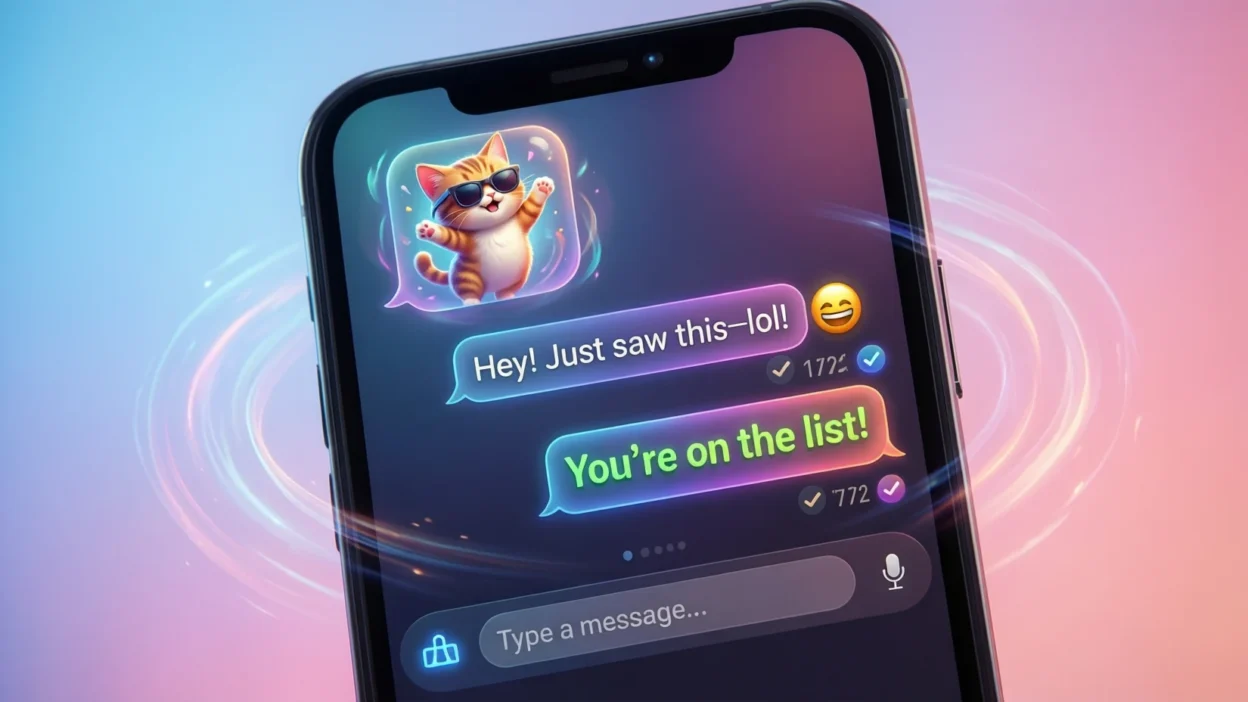
RCS stands for Rich Communication Services. In plain English, it’s a modern upgrade to traditional text messaging (SMS) that allows you to send more than just words. Think of it like messaging with features similar to WhatsApp or iMessage read receipts, typing indicators, high quality images, videos, GIFs, and even group chats. People use it because it makes texting feel faster, more interactive, and more like using a full featured chat app.
Example Sentence: “My phone finally supports RCS, so I can see when my friends are typing.”
Summary: RCS means enhanced texting features that make your messages richer and more interactive than regular SMS.
Where RCS Is Commonly Used
RCS is mostly seen in texting on smartphones, especially Android devices that support the protocol. It can also appear in social media app messages, online forums, and gaming chats, but its primary home is casual, everyday texting. The tone is neutral to casual, making it suitable for friendly chats but not for formal emails or professional communications.
Some common places you’ll see RCS in action:
- SMS apps on Android phones – the main use case.
- Group chats in messaging apps – when everyone supports RCS.
- Social media DMs – occasionally mentioned when explaining features.
- Online discussions – tech forums or Reddit threads about messaging apps.
Realistic Conversation Examples
Here are 8 natural texting examples to see RCS in context (all lowercase to mimic real texting):
- “hey, did u notice my messages show read receipts now? it’s bc of rcs lol”
- “wait, rcs? is that like imessage for android?”
- “yep, rcs makes group chats way smoother with typing indicators”
- “can u send pics with rcs?”
- “finally got rcs working, sending gifs is so easy now”
- “my friend doesn’t have rcs, so some features don’t work :/”
- “rcs makes sms feel less outdated”
- “got any tips for setting up rcs on my phone?”
When to Use and When Not to Use RCS
Do Use RCS When:
- You’re texting friends or family who also support it.
- You want to share images, videos, or GIFs easily.
- You want interactive features like read receipts or typing indicators.
- You’re in casual group chats or friendly DMs.
Don’t Use RCS When:
- Messaging someone who doesn’t have RCS-enabled devices.
- Sending formal or work-related texts where SMS or email is more appropriate.
- Privacy is a concern (RCS is not fully end-to-end encrypted by default).
Comparison Table:
| Context | Example Phrase | Why It Works / Doesn’t Work |
|---|---|---|
| Friendly chat with RCS user | “Check out this GIF via RCS!” | Works – they can see media instantly. |
| Group chat with mixed devices | “My RCS isn’t showing for everyone” | Doesn’t work – not everyone supports RCS. |
| Work email | “I’ll RCS you the details” | Doesn’t work – inappropriate for formal tone. |
Similar Slang Words and Alternatives
Here’s a quick look at other text abbreviations and chat slang you might encounter:
| Slang / Term | Meaning | When to Use |
|---|---|---|
| SMS | Short Message Service, standard texting | When RCS isn’t available |
| MMS | Multimedia Messaging Service, sends images/videos | Basic media sharing before RCS |
| IM | Instant Message | Casual chatting on apps like WhatsApp |
| DM | Direct Message | Social media or app-based private chat |
| RIP | Rest in Peace | Casual, often humorous online chats |
| BRB | Be Right Back | Short texting shorthand for quick exits |
These alternatives are mostly casual and used for everyday texting, gaming chats, or social media messaging.
FAQs About RCS in Text
1. Is RCS just for Android users?
Mostly yes. Android phones often have RCS support built-in, while iPhones use iMessage, which is similar.
2. Can RCS replace traditional SMS?
Yes, it upgrades regular texting with features like read receipts, but it still relies on your carrier and phone support.
3. Is RCS safe to use?
RCS improves messaging features but is not fully end-to-end encrypted by default, so it’s less secure than apps like WhatsApp.
4. Will everyone see my RCS messages?
Only people whose devices support RCS can see the enhanced features. Otherwise, messages fall back to standard SMS.
5. Does RCS cost extra?
It usually uses your regular texting plan, but sending media may use data depending on your carrier.
6. Can I use RCS on social media?
Not directly; it’s mostly for phone messaging, but you might hear about it in posts or discussions.
7. Is RCS slang or technical term?
Technically, it’s a messaging protocol, but online, people often mention it casually in chats as shorthand for upgraded texting.
Final Thought
In today’s fast-paced digital world, RCS has become a key part of modern texting culture. It enhances traditional SMS with rich features like images, GIFs, read receipts, and typing indicators, making conversations more interactive and fun.
While primarily for casual texting on Android devices, knowing what RCS means in text helps you keep up with messaging trends and chat shorthand. Next time someone mentions RCS in a group chat or DM, you’ll confidently understand and even discuss its features without missing a beat.